

6,000m² Production Factory | 400+ Classic Cases | 85+ Patent Certificates | 1,000+ Projects Worldwide |
Wage floors are climbing. Staff turnover in customer-facing roles runs at 60–80% per year in retail and hospitality. Against that backdrop, one question keeps landing in procurement conversations: can a touch screen kiosk do the job of a staffed counter — and at what cost? In most transactional service scenarios, the answer is yes. The longer answer involves a real cost comparison, and the numbers consistently favor self-service hardware once you move past the first year of operation.
This guide breaks down both sides of the ledger: what a staffed counter actually costs versus what a touch screen kiosk manufacturer charges and what three-year ownership looks like. We cover two documented brand deployments, a clear-eyed view of where kiosks fall short, and a sourcing checklist for operators evaluating interactive advertising display hardware.
|
| ||||
|
|
1. The Real Cost of a Staffed Countera
Most operators quote a single hourly wage when they calculate the cost of a service employee. That number is the start of the calculation, not the end. The fully loaded annual cost of one full-time, customer-facing employee in a developed market typically looks like this:
• Base salary or hourly wage (annualized): $28,000–$42,000 depending on market and role
• Employer payroll taxes and social contributions: typically 20–30% on top of base
• Training, onboarding, and certification: $1,500–$3,000 per new hire
• Uniforms, equipment, and consumables: $300–$800 per year
• Management overhead: scheduling, HR administration, performance reviews
• Turnover cost: hiring fees, lost productivity during vacancy, re-training — at 70% annual churn, this compounds fast
Add it up and a single customer-facing employee in retail or QSR costs $38,000–$58,000 per year in total business expense. In the UK, Germany, or Australia, that figure is higher. In Southeast Asia and Latin America it is lower — but labor costs in those markets are rising faster than hardware costs. A floor-standing interactive advertising display kiosk, by contrast, depreciates over three years.
A staffed counter also caps throughput. One employee handles one transaction at a time. During a lunch rush or check-in window, that single bottleneck creates queues — and queues drive customers away.
2. What a Touch Screen Kiosk Actually Costs
A commercial-grade touch screen kiosk from a direct touch screen kiosk manufacturer runs between $800 and $3,500 per unit depending on screen size, enclosure type, and specification. Floor-standing 43-inch units with capacitive touch panels sit toward the middle of that range. Add installation labor ($150–$400), a one-time CMS setup fee ($500–$1,500), and annual maintenance ($200–$500 per unit), and the three-year total cost of ownership for a single touch screen kiosk is roughly $4,500–$8,000.
Set that against $38,000–$58,000 per year for one employee and the math is straightforward. Even in a market where hardware costs are at the top of the range, a touch screen kiosk covers one employee’s annual salary in under three months. From year two onward, the only cost is maintenance.
The comparison sharpens further when you account for operating hours. A touch screen kiosk runs 18 hours a day without overtime, does not call in sick, and serves multiple customers simultaneously when queue management software is integrated. Each unit functions as both a service terminal and an interactive advertising display: when no transaction is in progress, the screen runs promotional content, brand video, and offers — earning attention and driving upsells passively.
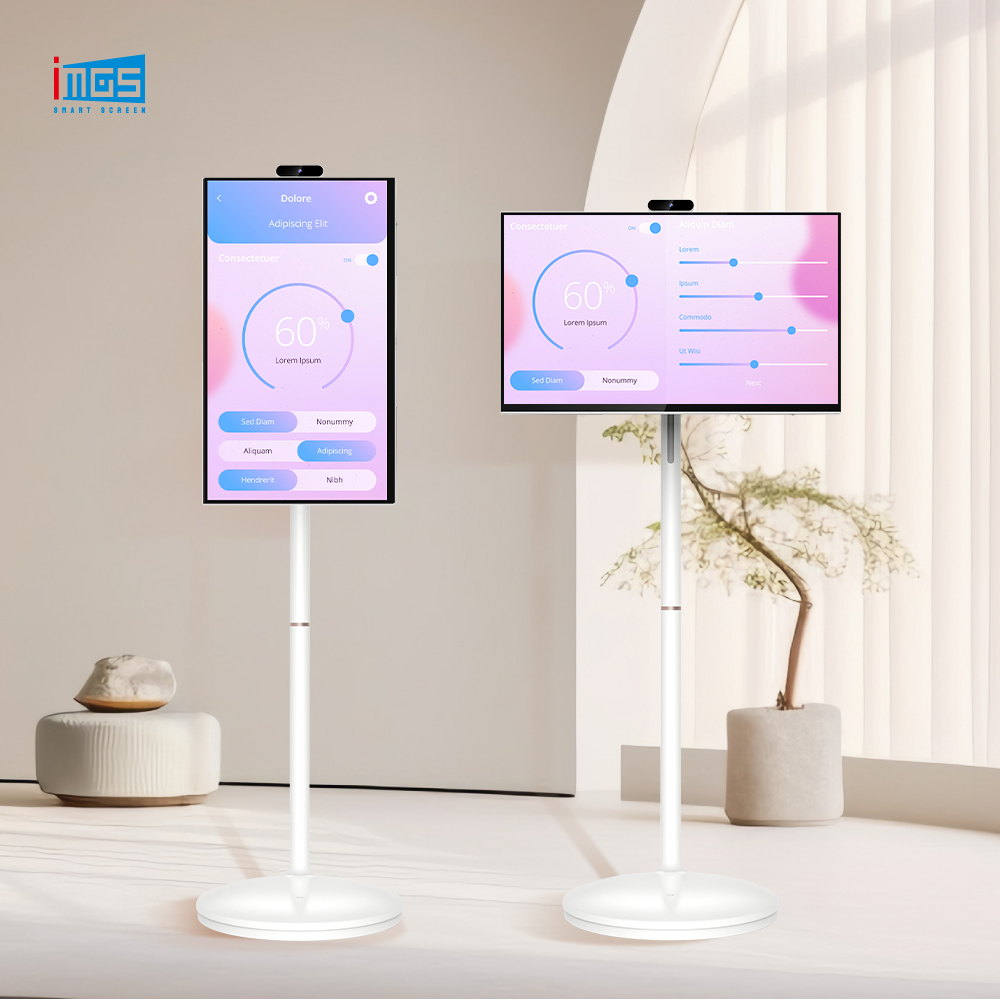
iMGS Product: touch screen kiosk iMGS floor-standing kiosk: 43” or 49” capacitive touch panel, Android OS, 300–350 nits brightness, aluminum profile enclosure. Available in single-sided and dual-sided configurations. OEM/ODM accepted. |
iMGS Product: interactive advertising display iMGS 43” interactive advertising display: 1920×1080 Full HD, multi-touch capacitive panel, Android OS, WiFi + Ethernet + optional 4G. Suitable for retail and hospitality self-service deployments. |
3. ROI in Action: Two Real Brand Deployments
McDonald’s — Self-Order Kiosks in QSR
McDonald’s rolled out self-order touch screen kiosks across its global estate and completed its major markets by 2022. The outcome data from their investor reports is consistent: average order values rose by approximately 20% when customers ordered through a kiosk rather than at a counter. A touch screen kiosk prompts every customer with upsell options — add a dessert, upsize a drink, try a new item — without the social friction of a face-to-face transaction. Customers spend more when no one is watching them deliberate.
The throughput gain was equally significant. By routing most orders through kiosks, front-counter staff shifted from taking payments to running food and managing table service. The same headcount produced more covers per hour during the lunch rush. For franchise operators, the hardware investment paid back in under 12 months in high-volume locations.
The lesson for other QSR and fast-casual operators: a touch screen kiosk is not solely a cost-reduction tool. It is a revenue lift tool that happens to also free up staff. Many QSR brands now pair the ordering kiosk with an interactive advertising display screen near the queue line, running upsell content for customers waiting on their order.
Mews — Hotel Lobby Self-Check-In
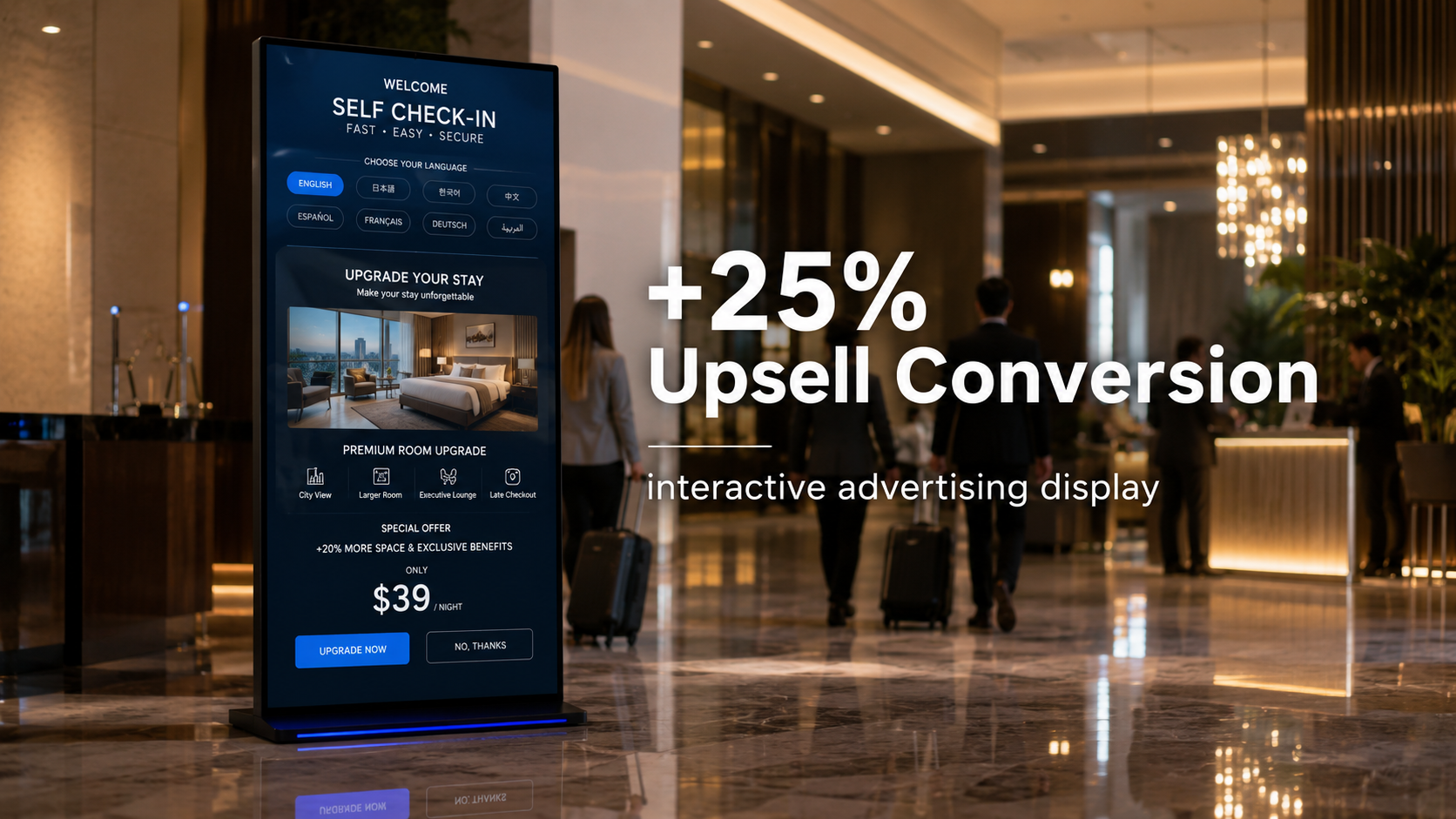
Mews, a property management platform operating across 4,000+ hospitality properties, published deployment data showing that 30% of guests at US-based partner hotels now complete check-in through a self-service kiosk. Check-in time dropped by one third. More commercially relevant: the same kiosk units drove 25% higher upsell conversion — room upgrades, late checkout, add-ons — because the screen presents them consistently to every arriving guest, without variation based on which front-desk staff member is on shift.
Hotel operators reported that front-desk teams, freed from processing standard arrivals, shifted toward genuine guest relations work: handling complex requests, managing VIP arrivals, resolving problems. Staff satisfaction improved because repetitive processing was removed from their role. The interactive advertising display running between guest sessions provided an additional promotional channel for the property.
4. Where Kiosks Work Best — and Where They Don’t
A touch screen kiosk handles transactional interactions well. When a customer or guest is executing a predictable, bounded task — placing an order, checking in, looking up information, making a payment — the screen is faster and more consistent than a human. Most units also function as an interactive advertising display between sessions, serving promotional content to anyone who walks past.
Scenarios where a touch screen kiosk manufacturer’s hardware delivers clear return:
• QSR and fast-casual ordering: upsell prompts, allergy filtering, loyalty program integration
• Hotel and serviced apartment check-in: booking lookup, key encoding, multilingual interface
• Retail endless aisle: catalogue browsing and out-of-stock item ordering via interactive advertising display units that also run brand video between customer sessions
• Corporate visitor management: badge printing, host notification, NDA signing
• Healthcare wayfinding and queue management: appointment confirmation, department routing
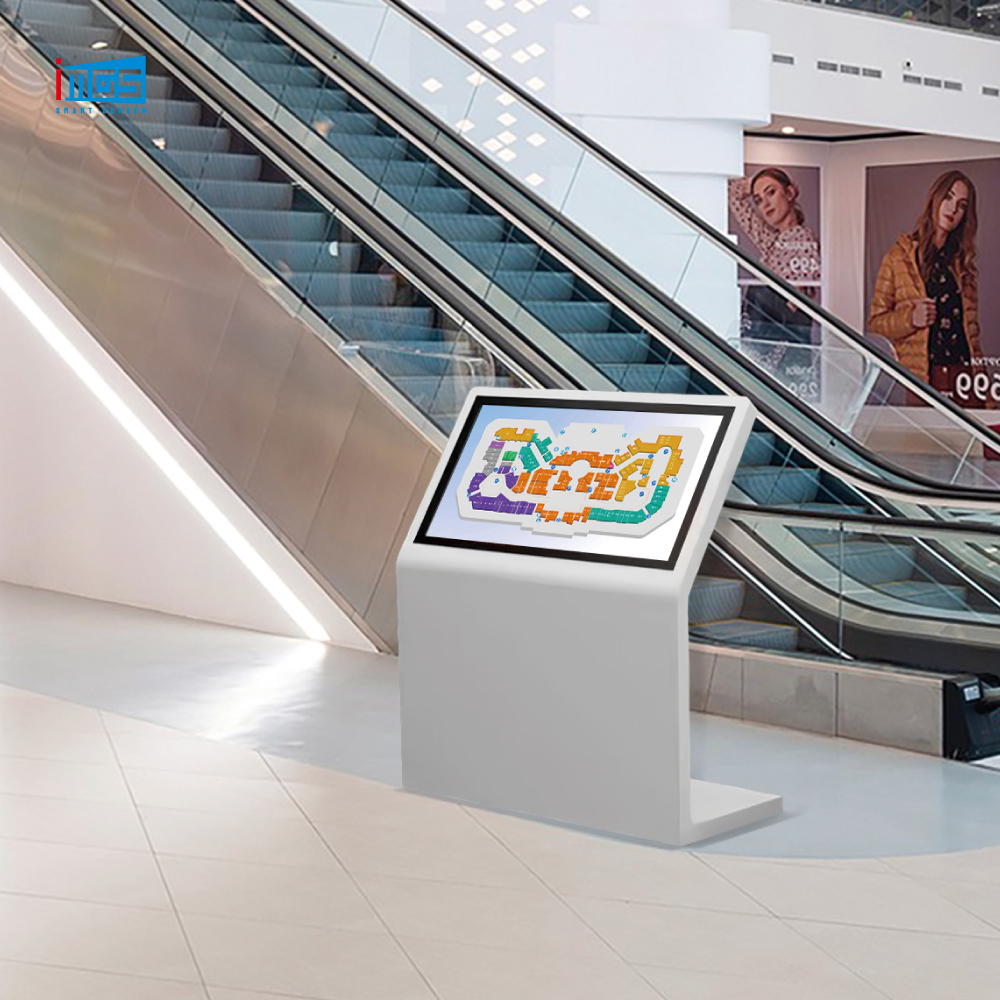
• Shopping mall and airport wayfinding: interactive maps, store directory, real-time flight data
Where a staffed counter still makes sense:
• Complaint handling and service recovery: emotional intelligence and discretion matter here
• Complex, multi-step consultations: financial advice, medical consultations, custom sales requiring significant judgment
• High-security checkpoints: identity verification that legally requires a trained officer
Most operators run a mixed model. Kiosks handle routine transactional volume; staff focus on exceptions and high-value interactions. The interactive advertising display running on each unit fills idle time with branded content, so the hardware earns attention even when no transaction is in progress. That is how McDonald’s, Mews, and most major retailers operate their touch screen kiosk fleets today.
5. What to Look for When Sourcing a Touch Screen Kiosk
System integrators and brand operators evaluating interactive advertising display and kiosk hardware from a touch screen kiosk manufacturer should check five specifications before placing an order.
Screen size and brightness. For indoor retail, 43 inches at 300–350 nits handles typical ambient light. Environments with direct sunlight or window glare need 700 nits or above. Specifying the wrong brightness means an invisible display at peak hours.
Touch panel type. Projected capacitive (PCAP) panels support 10-point multi-touch and work with gloved hands or light stylus contact — essential for food service. Infrared panels are cheaper but less accurate at screen edges.
Enclosure material and IP rating. An aluminum profile and sheet-metal cabinet handles the physical demands of a retail or hospitality floor. If the unit will sit near a kitchen, a sink, or an outdoor-facing entrance, check for IP54 or better.
Operating system and CMS compatibility. Android-based units — the market standard for commercial interactive advertising display hardware — integrate with most third-party CMS platforms. Confirm the OS version and update policy with the manufacturer before committing.
OEM/ODM availability. High-volume or franchise deployments need hardware consistency across dozens or hundreds of sites. A touch screen kiosk manufacturer offering OEM/ODM services can lock a specific build so every unit in the fleet is identical — critical for remote management and spare-parts logistics.
iMGS Product: interactive advertising display iMGS LCD43S-F01CT: 43” 1080×1920 portrait interactive advertising display, 350 nits, 3000:1 contrast, capacitive touch, Android OS, WiFi/Ethernet/Bluetooth. Ideal for mall wayfinding and retail self-service. |
6. Why Source Kiosk Hardware from a Direct Manufacturer
The difference between buying from a touch screen kiosk manufacturer and buying through a distributor shows up in three areas: price, customization, and long-term supply consistency.
iMGS is a direct hardware manufacturer operating from a 6,000m² production facility in Xiamen, China. Every touch screen kiosk and interactive advertising display unit passes 100% functional testing before leaving the factory. Sourcing direct removes the distributor margin — typically 20–40% on commercial display hardware — and puts the buyer in direct contact with the engineering team for specification questions, custom builds, and issue resolution.
The iMGS product range covers the full scope of self-service hardware: floor-standing touch screen kiosks in 43” and 49” configurations, wall-mounted interactive advertising display panels, dual-sided kiosk units, and desktop signage players. All models are available for OEM/ODM production — enclosure finish, logo placement, OS preloads, and accessory integration (card readers, cameras, receipt printers) as standard order options.
With 85+ patent certificates and 400+ completed deployments across retail, hospitality, and corporate environments, iMGS has the engineering depth to support non-standard requirements, not just catalogue builds. Buyers sourcing an interactive advertising display or a full kiosk enclosure can request custom builds as a standard part of the process. For system integrators managing multi-site rollouts, that depth matters more than the unit price on page one of a quotaation.
Learn more about iMGS manufacturing capabilities and certifications on the touch screen kiosk manufacturer overview page.
Ready to Replace Your Staffed Counter? iMGS manufactures touch screen kiosks for brands, system integrators, and AV distributors worldwide. Direct from our 6,000m² Xiamen factory — OEM/ODM welcome. Email: irenepan@fj-imgs.com | Phone: +86-18850151946 |