

4K Native 2160 x 3840 Panels | MP4 · MKV · MOV Codec Support | Up to 256GB On-Board Storage | Build to Order Spec on Request |
Generative tools have flipped the economics of display creative. What used to mean a fortnight of agency time and a five-figure invoice now happens in an afternoon: render a photo-real product shot, spin up an animated promo, localize it into eight languages, done. The output is also a step-change in quality — denser detail, bolder color, smoother gradients than the stock libraries it replaced. Few buyers stop to ask whether the screen — or the digital signage manufacturer behind it — can actually reproduce that gain.
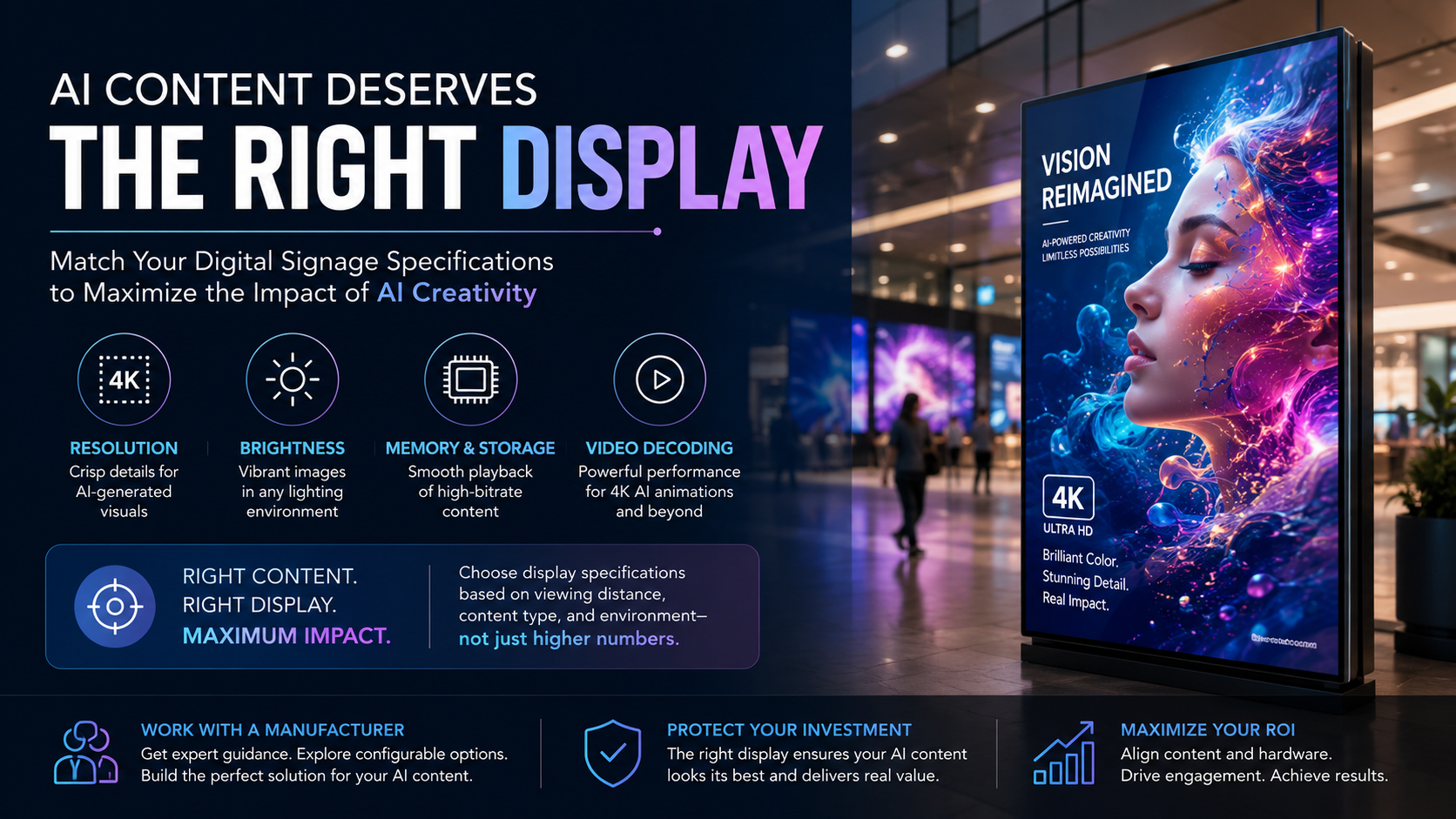
And that is exactly where buyers get caught out. A richly detailed 4K render that dazzles on your laptop can turn muddy, banded, and dull on a screen that was specified for simple JPEG loops. If your creative budget is moving toward AI, the panel underneath has to be specified to match. This guide walks through which display specs genuinely matter for AI creative, where the money is well spent, where it is wasted, and what to confirm with your digital signage manufacturer so the hardware does the content justice.
~10x | Typical speed-up in creative turnaround when teams switch from agency workflows to generative AI production |
4K | The resolution AI imagery increasingly assumes, especially for close-range viewing in premium retail |
500 nits | The floor for brightness if saturated AI color is to survive overhead store lighting without going flat |
1. The Three Flavors of "AI Content" — and What Each Demands
Lumping everything under "AI content" hides the fact that three very different outputs are involved, and they tax the hardware in different ways:
• Stills: photo-real product and lifestyle frames from tools like Midjourney or DALL-E. Dense detail, heavy saturation, fine gradients — the kind of image that exposes a weak panel instantly.
• Motion: short generated clips, animated transitions, looping backgrounds. The ask here is smooth decode and playback, not just pixels.
• Adaptive copy and layout: text, pricing, and arrangement that regenerate on the fly. This barely touches the panel — the load sits on the CMS instead.
The first two are where specs start to bite. Feed a cheap screen a high-bitrate AI clip or a gradient-rich render and the cracks show immediately: stepped banding in skies, shadows that crush to black, color that drifts, motion that judders. On a close-up format like floor standing digital signage, viewers are near enough to catch every one of those flaws — which is precisely why floor standing digital signage is the format that most rewards getting the spec right.
2. Resolution: Buy 4K Only Where Eyes Can See It
Resolution is the call that matters most for AI stills on floor standing digital signage, and it hinges on one variable people routinely ignore: how close the viewer actually stands. AI tools happily output enormous, intricate frames — but intricacy is wasted if nobody can resolve it.
Put a unit of floor standing digital signage at an entrance, beside a hero product, or at a service desk — anywhere people linger within a metre or two — and 4K (2160 x 3840 in portrait) repays the premium. Stand the same unit of floor standing digital signage across a wide atrium or down a corridor, three metres back or more, and 1080p is indistinguishable to the eye. Paying for 4K there is paying for pixels no customer will ever notice.
Where It Sits | Spec to Order | Reasoning |
Within ~1.5m | 4K (2160x3840) | AI detail is fully visible |
~1.5m to 3m | Judge by content | Detail-heavy → 4K; simple → 1080p |
Beyond 3m | 1080p (1080x1920) | Eye cannot resolve 4K here |
3. Brightness and Color: Letting Saturated Renders Breathe
AI creative tends to run hot on color — punchy saturation, hard contrast, deep gradients. Reproducing that faithfully in a real, lit space needs two things working together: brightness to beat ambient light, and a panel that holds contrast instead of flattening it.
• Brightness: treat 500 nits as the indoor-retail floor. Dip below and saturated AI tones go grey under store lighting; sit a screen near glass or in a bright concourse and you want 700 nits or more.
• Contrast: a 3000:1 ratio or better preserves the deep blacks and bright peaks that give AI imagery its punch. Low-contrast panels mute exactly the drama the content was generated to deliver.
The iMGS F-Series lands at 500 nits with a 3000:1 ratio out of the box — enough to keep saturated AI frames vivid under normal retail lighting on a floor standing digital signage unit. Window-facing or sun-struck spots can be ordered with a brighter panel instead.
4. Motion: Why the Bottleneck Is Rarely the Refresh Rate
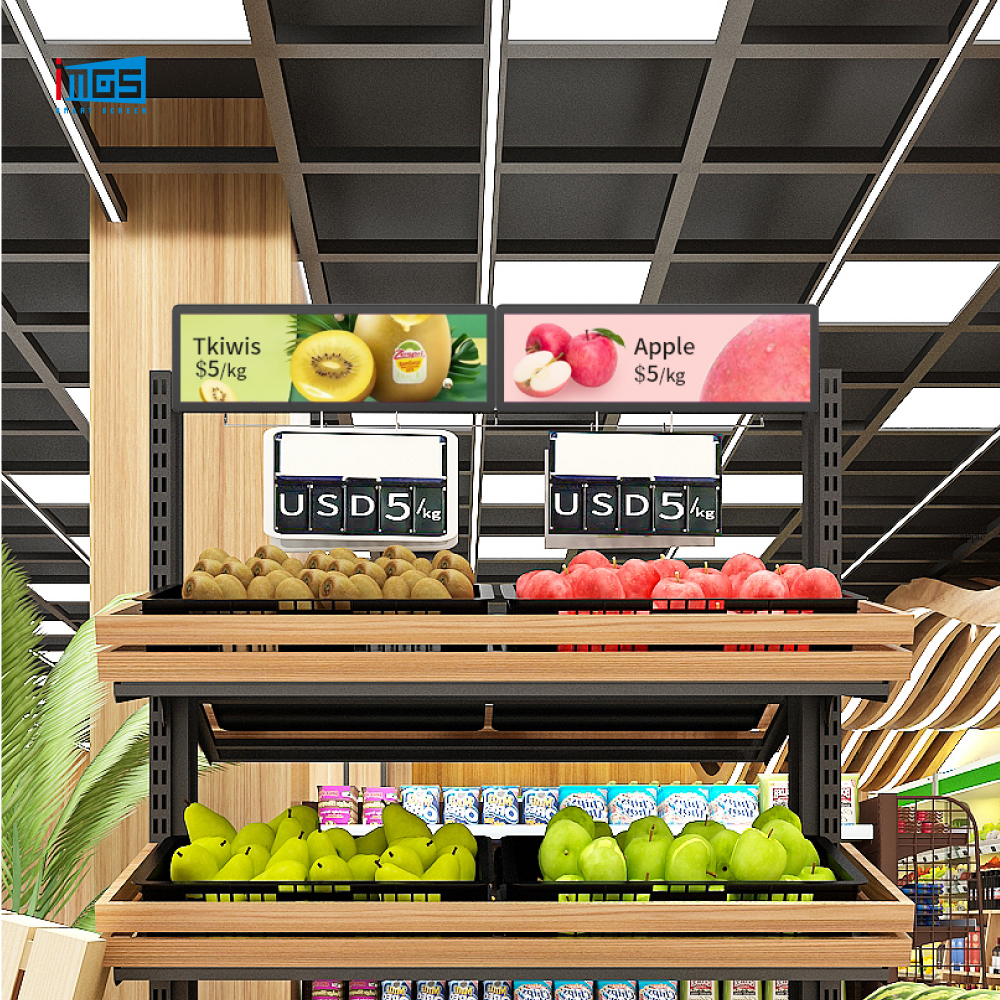
Generated video and animation add a demand static signage never faced. The instinct is to chase refresh rate, but a standard 60Hz panel already plays AI motion cleanly for nearly every retail use, including on floor standing digital signage at an entrance.
The actual choke point sits behind the glass: too little memory or storage on the media engine, which makes a high-bitrate AI clip stutter. If motion is central to your creative, put the budget into 4GB of RAM or more rather than into exotic panel specs, and ask your digital signage manufacturer to confirm the spec before you commit.
5. Storage: AI Libraries Are Heavy
Generated assets are big. A rotating set of 4K frames and rich video clips eats capacity at a rate the old JPEG-loop world never approached. Two numbers decide whether your fleet copes:
• Storage (ROM): 32GB is the entry rung, but a working 4K AI library is realistically 64GB to 128GB. Run dry and you are stuck either constantly reshuffling files or leaning on a streaming link that may not hold.
• Memory (RAM): 4GB is the minimum to decode high-resolution AI frames cleanly; 8GB if the same screen is also handling interactivity or analytics alongside playback.
iMGS configures the F-Series floor standing digital signage anywhere from 2GB to 8GB of memory and 32GB to 256GB of storage — room enough for a single still loop or a sprawling 4K AI catalogue with headroom left over.
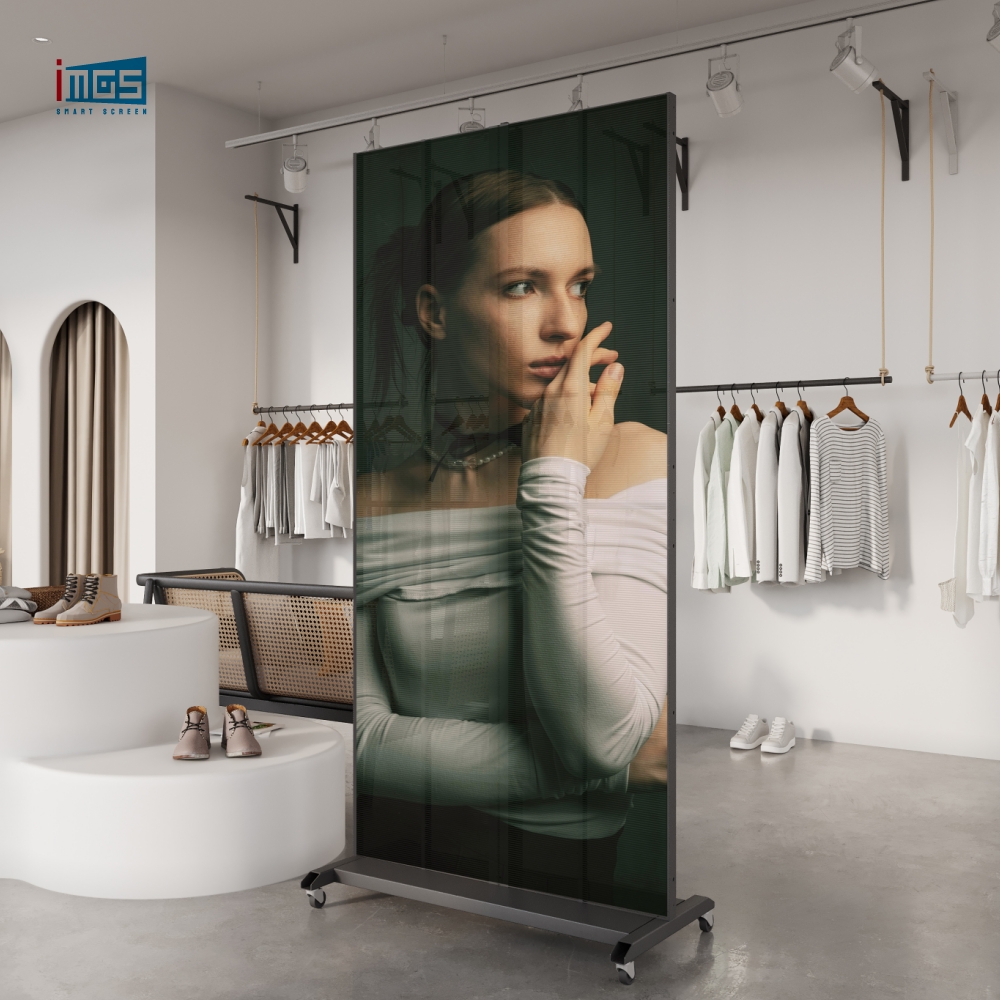
iMGS F-Series Free-Standing Display 55" portrait · 4K-capable 2160x3840 · 500 nits · 3000:1 contrast · 4GB to 8GB memory · storage to 256GB — built for detail-dense AI creative up close |
iMGS Dual-Sided Advertising Screen Two screens back-to-back for island and walkway placements · 4K-capable · shows your AI creative to traffic flowing from both directions at once |
6. A Clean Pipeline: From Prompt to Panel
Here is a workflow that gets generated creative onto screens without nasty surprises at install:
1. Render at the panel’s native frame: 2160x3840 for 4K portrait, 1080x1920 for Full HD. Generate the wrong aspect ratio and you crop away the very detail you paid the AI to produce.
2. Export video in a format the unit decodes — typically MP4 (H.264), MKV, or MOV — and keep the bitrate under the panel’s rated ceiling so playback stays smooth.
3. Push the files by USB stick, networked CMS, or cloud sync, picking the method that suits your fleet size and how often the creative changes.
4. Preview on the real unit before any wide rollout. Creative that looks flawless on a graded monitor can reveal banding or a color cast on a commercial panel — far cheaper to catch on one screen than across two hundred.
A factory-direct digital signage manufacturer can hand you the exact supported codecs, peak bitrate, and native frame for every model up front, so you generate to spec from the first prompt. Ask a reseller the same questions and you often get a shrug, because they never built the unit. This is the practical reason content-led buyers go to the digital signage manufacturer directly.
7. Why the Digital Signage Manufacturer Relationship Decides How Your Content Looks
Generated creative lives or dies on a handful of numbers the spec sheet rarely advertises: which codecs decode, what bitrate the unit tolerates, the true native resolution, the color gamut, and how much storage headroom is left after the OS. Get those wrong and the frame that sang in the tool falls flat on the wall — which is why the digital signage manufacturer behind the hardware matters as much as the AI tool in front of it.
Buying from a digital signage manufacturer that builds to order is what gives you those answers — plus the option to push storage, memory, or brightness up for a content-heavy site. iMGS engineers and assembles its own units in Xiamen and tests each one before it ships, so a screen can be matched to your specific AI workload rather than sold off a generic shelf. A reseller cannot reconfigure a sealed box; only the digital signage manufacturer can.
The same factory line also turns out LED video walls for room-scale AI creative and shelf-edge screens for aisle-level messaging — letting one generated campaign run consistently from the storefront down to the shelf.
8. Quick Checklist Before You Order
5. Tie resolution to distance: 4K under ~1.5m, 1080p past 3m
6. Hold the line at 500+ nits and 3000:1 so AI color stays vivid
7. Budget 4GB+ memory for stutter-free AI motion
8. Size storage at 64GB+ for any real 4K AI library
9. Confirm decodable formats and peak bitrate with the digital signage manufacturer before buying
10. Always render at the panel’s native resolution and aspect ratio
11. Test the creative on the actual unit ahead of fleet rollout
Send Us a Sample of Your AI Content First Share a clip or image and your viewing distance. We will recommend the panel, resolution, and storage that render it properly — and confirm the supported formats before you order. Reach Irene at irenepan@fj-imgs.com · +86-18850151946 |