


Touch Screen Kiosk Buyer's Guide: What Retailers and Hospitality Brands Need to Know Before Ordering from a Touch Screen Kiosk Manufacturer
Sourcing a touch screen kiosk — or an interactive advertising display to pair with it — for the first time is not as straightforward as it looks. The market is full of suppliers who ship consumer-grade tablets in steel enclosures and call them commercial kiosks, and the same is true of interactive advertising display units sold without proper duty-cycle ratings. Twelve months into deployment, the screen is fading, the touch panel is registering ghost inputs, and the warranty email bounces. This guide exists so that does not happen to you.
Whether you are procuring a touch screen kiosk for a retail chain, hotel lobby, QSR ordering station, or hospital wayfinding system — and whether you plan to pair it with an interactive advertising display or deploy it as a standalone unit — the decisions you make at the specification stage determine whether the hardware runs reliably for five years or fails in five months. As a direct touch screen kiosk manufacturer with 400+ commercial deployments, iMGS has seen every failure mode. This guide covers what actually matters.
6,000m² Factory | 400+ Cases | 85+ Patents | 1,000+ Projects |
$4.7B Global kiosk market size by 2027 (MarketsandMarkets) | 35% Reduction in service wait times with self-service kiosks (Tillster) | 30% Higher average order value at kiosk vs. counter (QSR industry data) | 72% Of customers prefer self-service for routine transactions (Capgemini) |
The 5 Questions Every Touch Screen Kiosk Manufacturer Should Answer — Before You Buy an Interactive Advertising Display or Kiosk
Before requesting a quote from any touch screen kiosk manufacturer, get clear answers to these five questions. A supplier that hedges or redirects on any of them is a supplier worth avoiding.
1. What is the panel's rated duty cycle for an interactive advertising display or kiosk?
Commercial touch screen kiosk hardware should be rated for 24/7 continuous operation. Consumer panels — often repackaged by lower-tier suppliers — are rated for 8 hours per day. Run them 24/7 and the backlight degrades within 18 months, the touch layer delaminates, and you are looking at a replacement cost you did not budget for. Ask for the actual duty cycle rating in the spec sheet, not just 'commercial grade' as a marketing phrase.
2. What touch technology does it use — PCAP or IR?
Projected Capacitive (PCAP) touch is the correct choice for most retail and hospitality applications. It supports multi-touch gestures, works with gloved hands, and has no moving parts to fail. Infrared (IR) touch is cheaper and works for basic wayfinding but struggles in bright environments and with liquid contamination. Any touch screen kiosk manufacturer worth sourcing from will explain this distinction without prompting.
3. What is the brightness specification, and is it measured at center or average?
A 500-nit rating measured at panel center looks very different from 500 nits measured as a panel average. For window-facing retail deployments, you need 700 nits minimum (average). For outdoor-adjacent or direct-sunlight environments, 1,500+ nits. Ask specifically: 'Is this the center brightness or the average panel brightness?' The answer tells you a lot about the supplier's technical honesty.
4. What OS and compute module does it ship with?
Android-based kiosks are lower cost but limit you to the Android app ecosystem and create security update challenges at scale. Windows-based units give you more software flexibility but cost more and require more IT management. Some touch screen kiosk manufacturer hardware ships with proprietary OS lock-in — understand what you are committing to before signing the purchase order.
5. Who handles warranty claims for an interactive advertising display or kiosk — the manufacturer or a regional distributor?
If a display fails 14 months into a 24-month warranty and your supplier routes you through a distributor who routes you through the original factory, you are looking at 6–10 weeks of downtime per unit. Source from a touch screen kiosk manufacturer that handles warranty claims directly. Ask for the actual claims process in writing before you order.
Touch Screen Kiosk and Interactive Advertising Display Specs: What the Numbers Actually Mean
Spec sheets from any touch screen kiosk manufacturer use the same vocabulary — and the same numbers appear on interactive advertising display datasheets too. Here is what those numbers mean for real-world deployment:
Specification | What It Means | Minimum for Commercial Use |
Brightness | Panel luminance (nits) | 500 nits indoor / 1,500 nits window-facing |
Touch Response Time | Latency from touch to screen update | ≤ 20ms for fluid interaction |
IP Rating | Dust and water resistance level | IP54 for indoor public environments |
Operating Temp | Thermal range for reliable operation | -10°C to 50°C for indoor use |
MTBF | Mean time between failures | ≥ 50,000 hours for commercial panels |
Viewing Angle | Usable viewing cone | 178°/178° (H/V) for public-facing units |
Choosing the Right Touch Screen Kiosk Configuration by Industry
Retail: Self-Checkout and Product Discovery
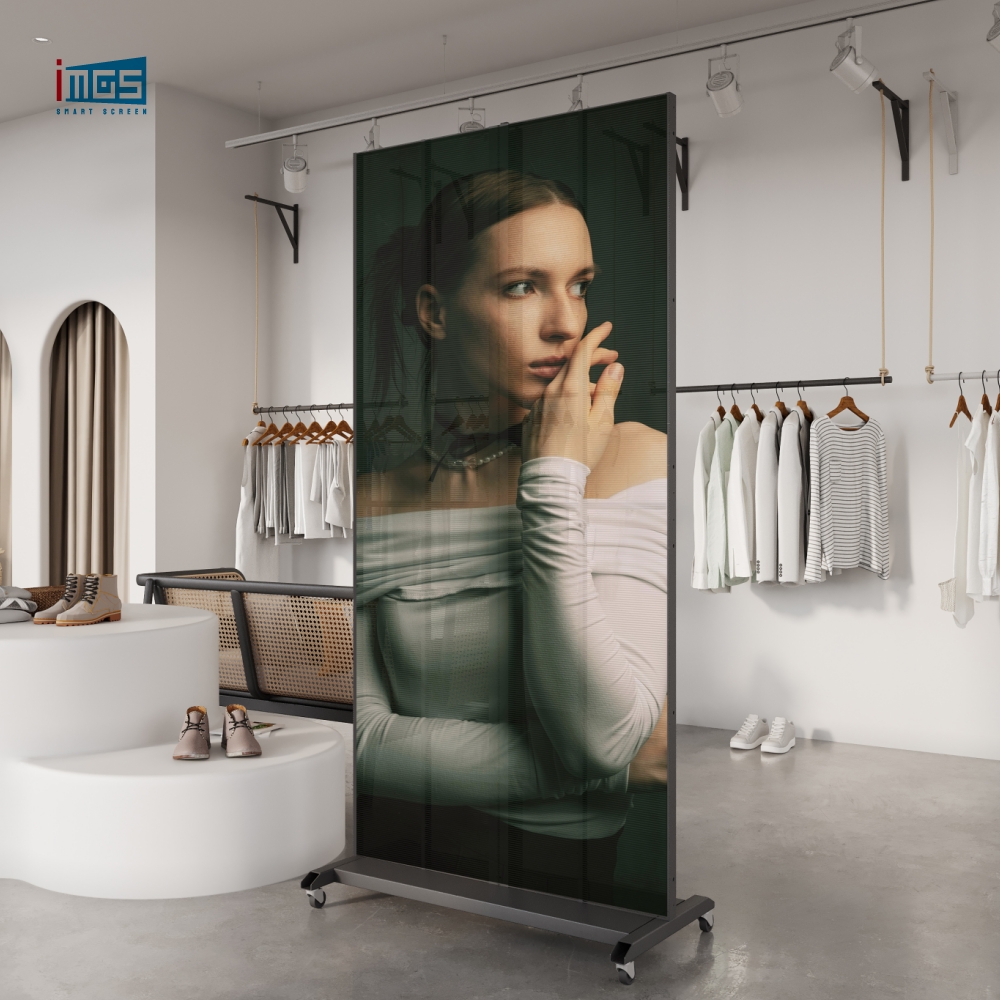
Retail touch screen kiosk deployments split into two categories: self-checkout (transaction-heavy, needs fast processing and receipt printing integration) and product discovery (browsing and recommendation, needs a large high-resolution panel). For product discovery in flagship stores, a floor-standing touch screen kiosk with a 43" or 55" panel and integrated content management gives the best results. Pair it with an interactive advertising display on the wall above for brand content while the kiosk handles transactions. The combination of a kiosk for self-service and an interactive advertising display for ambient brand messaging is now standard in tier-1 retail fit-outs.
QSR and Food Service: Ordering Kiosks
McDonald's, Burger King, and KFC have deployed self-ordering kiosks at scale — and the results are consistent across chains: 20–30% higher average order values compared to counter orders, driven by upsell prompts and unhurried browsing. Many QSR brands now combine an ordering kiosk with an interactive advertising display above the counter to serve promotional content while customers wait. For QSR, the critical hardware specs are: grease-resistant PCAP touch surface, portrait orientation (taller panels drive more menu browsing), and integration with the kitchen display system via standard APIs. The interactive advertising display component handles brand campaigns; the kiosk handles the transaction.
Hotel and Hospitality: Check-In and Concierge Kiosks
Hotel self-check-in kiosks need to handle passport scanning, room key encoding, and payment processing — all in a single enclosure. Many hotel lobbies now combine a check-in kiosk with an interactive advertising display alongside it, running local attractions, restaurant menus, and upsell offers while guests complete check-in. The touch screen kiosk manufacturer you choose must have experience integrating these peripherals, not just supplying a bare screen. Key spec: the enclosure must accommodate a printer for receipts and room key cards, plus space for a card reader and passport scanner.
Healthcare and Wayfinding
Hospital and clinic environments need antimicrobial touch surfaces — a spec that most budget touch screen kiosk manufacturer options skip entirely. PCAP panels with antimicrobial coating are available from specialist manufacturers. Wayfinding kiosks in these environments also need ADA-compliant mounting heights and audio output for accessibility. Some healthcare facilities also deploy an interactive advertising display near the reception desk for health promotion content, run from the same CMS as the kiosk hardware to reduce IT management overhead.
| → Floor Standing Kiosk Digital Signage Commercial-grade floor-standing touch screen kiosk. 24/7 rated, PCAP touch, configurable for retail, QSR, and hospitality applications. |
| → Touch Screen Kiosk Range Full iMGS touch screen kiosk lineup — wall-mounted, floor-standing, dual-sided, and portable configurations. OEM/ODM available. |
What Real Deployments Look Like: Touch Screen Kiosk and Interactive Advertising Display Case Studies
Burger King: Self-Ordering Kiosks Across European Markets
Burger King's European rollout of self-ordering kiosks — covering over 1,000 locations across France, Spain, and the UK — is one of the largest documented kiosk deployments in QSR. The hardware spec centered on portrait-orientation 32" PCAP panels mounted at counter height, with integrated card readers and receipt printers. Above the kiosk cluster, ceiling-mounted interactive advertising display units ran promotional content for limited-time offers. Burger King's data showed a consistent 15–20% increase in average transaction value across the kiosk fleet versus staffed counter orders. The combination of ordering kiosks with an interactive advertising display overhead has since become the standard fit-out template for the chain.
Marriott Hotels: Lobby Check-In Kiosk and Interactive Advertising Display Rollout
Marriott's self-check-in kiosk program — now active across hundreds of properties globally — reduced front desk queue times by an average of 40% at participating hotels, according to hospitality industry reporting. Many locations pair the check-in kiosk with an interactive advertising display showing local dining and activity recommendations, running from a unified content management system. The hardware specification required landscape-orientation panels at accessible counter height, with integrated card readers and the ability to encode room key cards on-site. The touch screen kiosk manufacturer selected for the program had to demonstrate IP54 dust resistance and meet ADA accessibility guidelines for mounting height and touch target sizing.
iMGS: Direct Touch Screen Kiosk Manufacturer — No Distributor Markup
iMGS is a direct touch screen kiosk manufacturer based in Xiamen, China, with a 6,000m² production facility and 85+ patent certificates covering enclosure design, thermal management, and touch panel integration. Every touch screen kiosk ships after 100% factory burn-in testing — not spot-check testing, every unit.
What sourcing direct from a touch screen kiosk manufacturer means for your project — whether you are buying a kiosk, an interactive advertising display, or both:
• No distributor margin — factory price direct to the buyer
• OEM and ODM programs: custom enclosure dimensions, branding, compute configuration
• Peripheral integration support: card readers, printers, scanners — pre-validated before shipment
• Sample units available for qualified buyers before bulk order commitment
• 400+ completed commercial deployments for reference and case study access
• Direct warranty claims — no third-party routing, no 6-week delays
iMGS also manufactures complementary digital signage products for brands that need a complete solution — including interactive advertising display units for brand content alongside kiosk hardware for transactions:
| → Interactive Advertising Display — 75" Touch Screen Large-format interactive advertising display for retail and hospitality. Pairs with kiosk hardware for a complete in-store digital experience. |
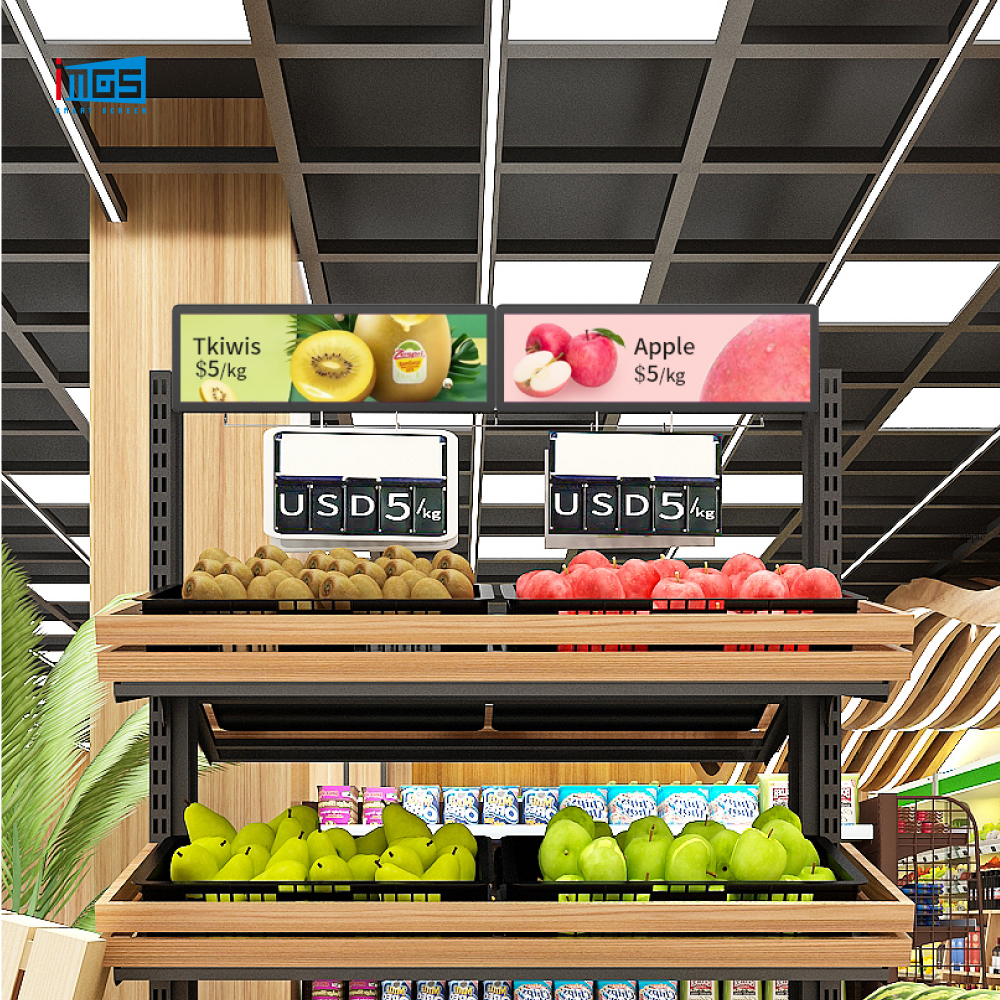
| → Shelf Screen — Retail Digital Display Gondola-mounted shelf screen for product-level promotions. Works as an interactive advertising display at shelf level — same CMS as iMGS kiosk hardware. |
Pre-Order Checklist: 8 Things to Confirm with Your Touch Screen Kiosk Manufacturer
• Duty cycle rating: confirm 24/7 continuous operation in the written spec sheet
• Touch technology: PCAP for retail and hospitality, IR only for low-traffic wayfinding
• Brightness (average, not center): minimum 500 nits indoor, 1,500+ for window-facing
• IP rating: IP54 minimum for public environments
• OS and compute: confirm compatibility with your software platform before ordering
• Peripheral integration: confirm the enclosure physically accommodates any printer, scanner, or card reader you need
• Complementary hardware: if you plan to pair the kiosk with an interactive advertising display or digital signage panel, confirm the touch screen kiosk manufacturer also supplies those products for a unified support relationship
• Warranty terms: direct manufacturer warranty claims, not distributor-routed — and confirm this applies to any interactive advertising display units in the same order
• Sample unit: insist on an evaluation unit before committing to any order above 10 units — any credible touch screen kiosk manufacturer will agree to this
iMGS provides sample units for qualified buyers and technical consultations before specification. Request a live demo or send your project specs directly.
Ready to Source Touch Screen Kiosks for Your Project? Talk to iMGS — direct touch screen kiosk manufacturer, factory pricing, OEM/ODM available. ⭐ irenepan@fj-imgs.com ⭐ +86-18850151946 |